Great for people and situations like these
For language study
Create the text in two languages, read with translated paragraphs mixed in, tap words to see what they mean, and listen to the pronunciation read aloud. You can get used to a foreign language while following a story you can't put down.
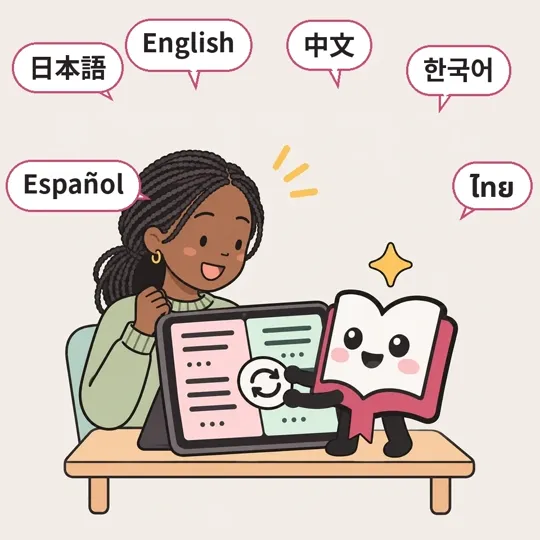
Switch language
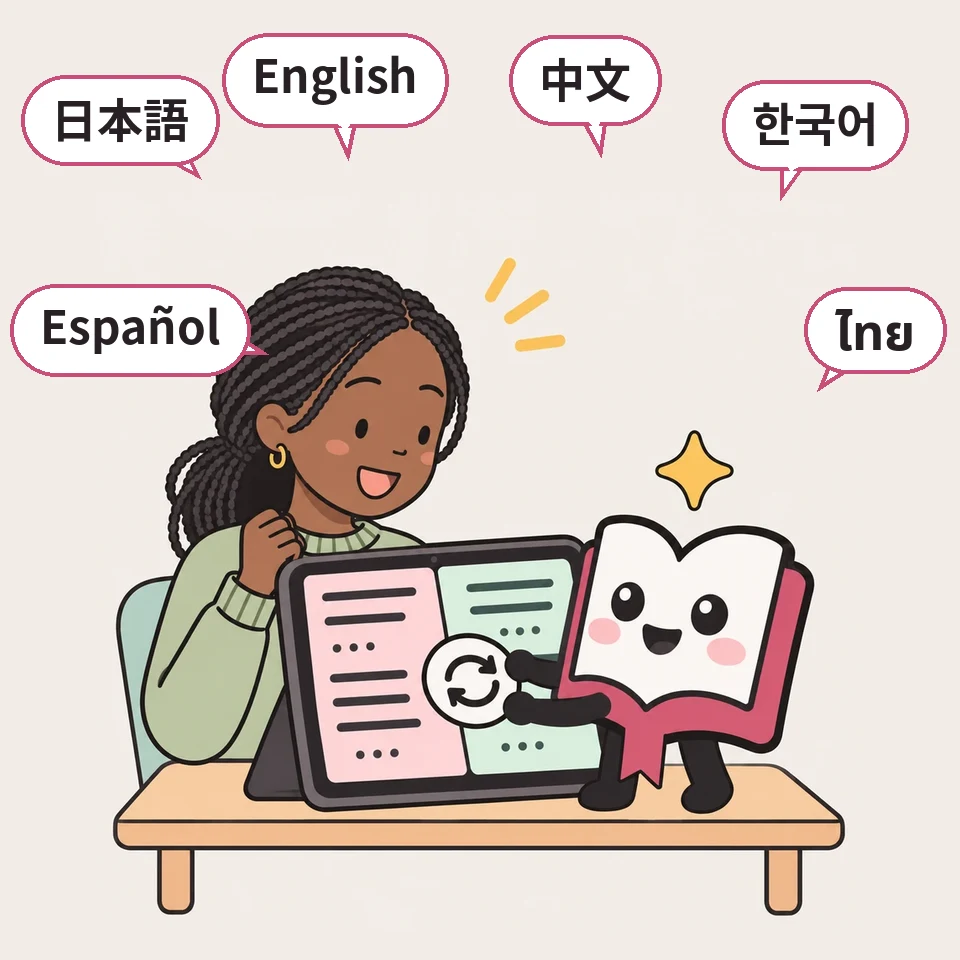
When you create a story, you can choose up to 3 story languages. If you choose your native language and the language you're studying, you can switch to the other language of the same chapter whenever you don't understand something.
For people and situations like these
- 🌏You want to start extensive reading in a foreign language
A story with settings you chose yourself makes you want to keep reading to find out what happens.
- 🔁You want to read while comparing with a translation
You can move to the text of the same chapter in another language with one button.
- 👪Your family reads in different languages
Like Japanese and Thai, each family member can read the same story in their own language.
How to use
1When creating, choose 2 or more in “Story languages (up to 3)”
You can choose them on the confirmation screen of “Take the quick quiz to create” (Easy Create) at the top, or in the detailed creation form. Choose your native language and the language you're studying.
2On the chapter page, tap the language name above the text
You'll move to the page with the same chapter's text in that language. For stories with text in 4 or more languages, tap “🌐 English ▾” to open a list. The language of on-screen buttons and so on doesn't change.
3Once you're used to it, try “🔤 Mixed reading (language practice)” too
You can read with two languages mixed paragraph by paragraph, and tap words you don't know to see their meaning (see the “Mixed reading” tab).

If something doesn't work
- No language names are shown
They don't appear for stories whose text is in only one language. You can check the languages you can read under “Story languages” on the story's page. When looking for stories, you can narrow them down by “Languages”.
Read mixed text and get used to a foreign language little by little
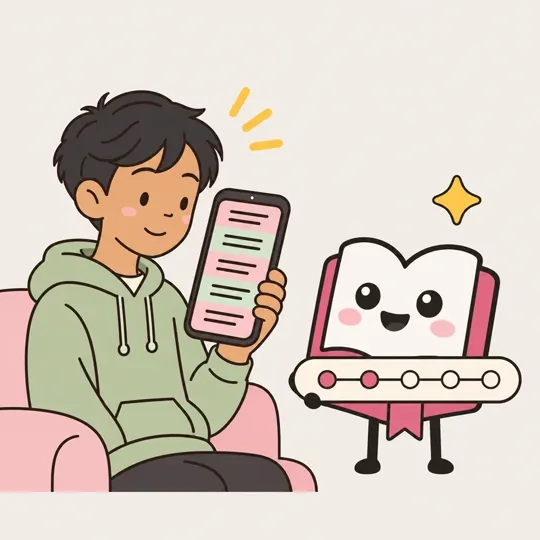
This feature mixes translated paragraphs into the story text. Reading everything in a foreign language may still be hard, but if you start with 1 paragraph in 4, you can experience the foreign language while still enjoying a story you want to keep reading.
👆 Tap to try
Try tapping a colored paragraph or an underlined word (it works just like a real chapter)
It was the night of the first Saturday in August.
Yukie estaba de pie en el malecón, mirando el cielo.
The fireworks festival was almost over.
Yukie stood on the seawall, looking up at the sky.
seawall (a wall built to hold back the sea)
For people and situations like these
- 🎒You're studying a foreign language and would rather read a story than a textbook
Paragraphs in a language you know support the flow of the story, so you can keep reading even if there are words you don't understand.
- ☕A little at a time, in 10 minutes before bed or on your commute
If you created the story with short chapters (about 2,000 characters), you can read a chapter in about 5 minutes. You can raise the mixing ratio little by little, one chapter a day.
- 👨👧A foreign-language story with your child
You can also read the same chapter together as parent and child, and try translating just the mixed paragraphs together.
How to use
1On the chapter page, tap “🔤 Mixed reading (language practice)”
On chapters of stories created with text in 2 or more languages, this button is right above the text.
2Choose the language to mix in and the ratio
You can choose the ratio from 25% (1 paragraph in 4), 50% (every other one), 75%, and 100%. We recommend starting with 25%. While you're mixing, the text is shown horizontally.
3Tap a paragraph to open its translation right below
Mixed paragraphs appear in color. Tap a paragraph you don't understand, and the other language opens below it without replacing it. In the part that opens, use 🔊 to hear it read aloud, “☆ Save” to add it to your Phrasebook, and “⇄ Swap” to switch the whole paragraph.
4Tap any word you don't know
Tap a word in the foreign language, and a small window shows its meaning, base form, and part of speech. Use 🔊 to hear the pronunciation, and “☆ Save” to keep it in your Phrasebook together with the sentence it appears in (word meanings are limited to 100 per person per day).
5Change the ratio as you go
Even as you read on, the menu stays at the top of the screen. You can set it to 0% for a break, then go back to 25%. At the end of the chapter, you'll see how many words you read in it.
If something doesn't work
- I see “Can't read mixed text”
Chapters where the translation and the original text don't have the same number of paragraphs can't be read mixed. It also appears when there's no connection and the translation can't be loaded. Try another chapter, or reopen it where you have a connection.
- I can't find the button
It doesn't appear for stories whose text is in only one language. Choose a story that lists 2 or more languages under “Story languages” on the story's page.
- Word meanings don't appear
They don't appear once you've used up the day's limit (100 per person per day). You can use them again the next day. They also don't appear when there's no connection.
- I want to remove the menu from the top
Choose 0%, then tap 🔤 to fold it up, and it goes back to its original position.
Save the words and sentences you want to remember in your Phrasebook
Words and sentences you save with “☆ Save” while reading mixed text collect in the Phrasebook on My shelf. The number of words you've read and how many days in a row you've kept going are recorded too.
👆 Tap to try
Try tapping a colored paragraph or an underlined word (it works just like a real chapter)
It was the night of the first Saturday in August.
Yukie estaba de pie en el malecón, mirando el cielo.
The fireworks festival was almost over.
Yukie stood on the seawall, looking up at the sky.
seawall (a wall built to hold back the sea)
For people and situations like these
- 📒You want to look back at words you came across
Not just the word but the whole sentence it appeared in is saved, so you can also recall how it was used.
- 🙈Practice recalling with the translation hidden
In the Phrasebook, the translation stays hidden, and you can check your answer with “Show translation”.
- 🔥You want to keep at it a little every day
It shows how many words you've read and how many days in a row you've been reading, which helps keep you motivated.
How to use
1Tap “☆ Save” while reading mixed text
It's in the translation that opens when you tap a paragraph, or in the small window that appears when you tap a word. Once tapped, it changes to “★ Saved to Phrasebook”.
2Open “Phrasebook” in “My shelf”
From “My shelf” in the header (the bottom tab on a phone), go to “Phrasebook”. Entries are listed newest first, and you can filter them by language. They're kept only on this device.
3Hide the translation and try to recall it
Check your answer with “Show translation”. “Read in chapter” takes you back to where the sentence appeared. Once you've learned it, remove it with “Learned”.
4Check how many words you've read and your streak
At the end of a chapter you're reading mixed, you'll see how many words of that language you read in it, and the menu shows how many words you've read in the last 7 days and how many days in a row you've been reading.
If something doesn't work
- My Phrasebook is empty
Your Phrasebook and word-count records are kept in that browser on that device. They don't appear on other devices or in a browser whose browsing data has been cleared.
For when you want to check pronunciation by ear
While reading mixed text, you can have the mixed paragraphs read aloud in that language's voice. The sentence being read is highlighted, and you can change the speed too. The voice is the one on your device.
For people and situations like these
- 🎧You don't know how to read a word
You can listen to a paragraph you read with your eyes in that language's voice to check it.
- 🗣️You want to practice speaking aloud
Listen one paragraph at a time and use it to practice reading it back.
- 👀When your eyes are tired of following the text
The mixed paragraphs are read aloud in order, so you can follow those paragraphs by ear.
How to use
1Choose a ratio in “🔤 Mixed reading (language practice)”
The read-aloud buttons appear while you're reading mixed text (when the ratio isn't 0%).
2Tap 🔊 to read the mixed paragraphs aloud in order
It reads the mixed paragraphs aloud in order, from the part visible on screen downward. The sentence being read is highlighted in color. Tap again to stop.
3Change the speed with “1×”
Each tap switches between 0.75×, 1×, and 1.25×. The speed you choose is remembered next time.
4Listen to just one paragraph or word
The 🔊 in the part that opens when you tap a paragraph reads just that paragraph. The 🔊 in the small window that appears when you tap a word reads just that word.
If something doesn't work
- I see “This device has no voice for …”
Add a read-aloud voice for that language in your device settings and it will be read aloud.
- The voice sounds robotic
The voice is one installed on your device. In your device settings, you may be able to choose a different voice.