How to Make a Children's Book with AI: 6 Free Steps, Consistent Characters, and Publishing and Copyright Tips
If it's a short book for your family to read together, you can usually make a children's book with AI within free limits. The trick is to decide the story and the scene split yourself first, and to describe each character's look to the AI in the same words every time. This article covers the 6 steps, a ready-to-use prompt template for the pictures, and what to know about printing, publishing and copyright.
Key takeaways
- A short picture book for family reading can usually be made within free limits. The cap on how many images you can make differs by tool
- There are 6 steps: plan (1–2) → draw (3–4) → finish (5–6)
- To keep the art consistent, describe each character's look and the art style in the same words every time
- Leave out your child's photo and real name. If you plan to publish, check KDP's AI disclosure rules and the copyright guidance first
Can you make a children's book with AI for free? The short answer, and who does what
For a short picture book your family will read together, you can usually make it within free limits. You can brainstorm the story in a chat with an AI, make the pictures with an AI that generates images, and add the text with the slide or document software you already have. Free plans do cap how many images you can make, though, so if your book has many scenes, plan to spread the work over a few days.
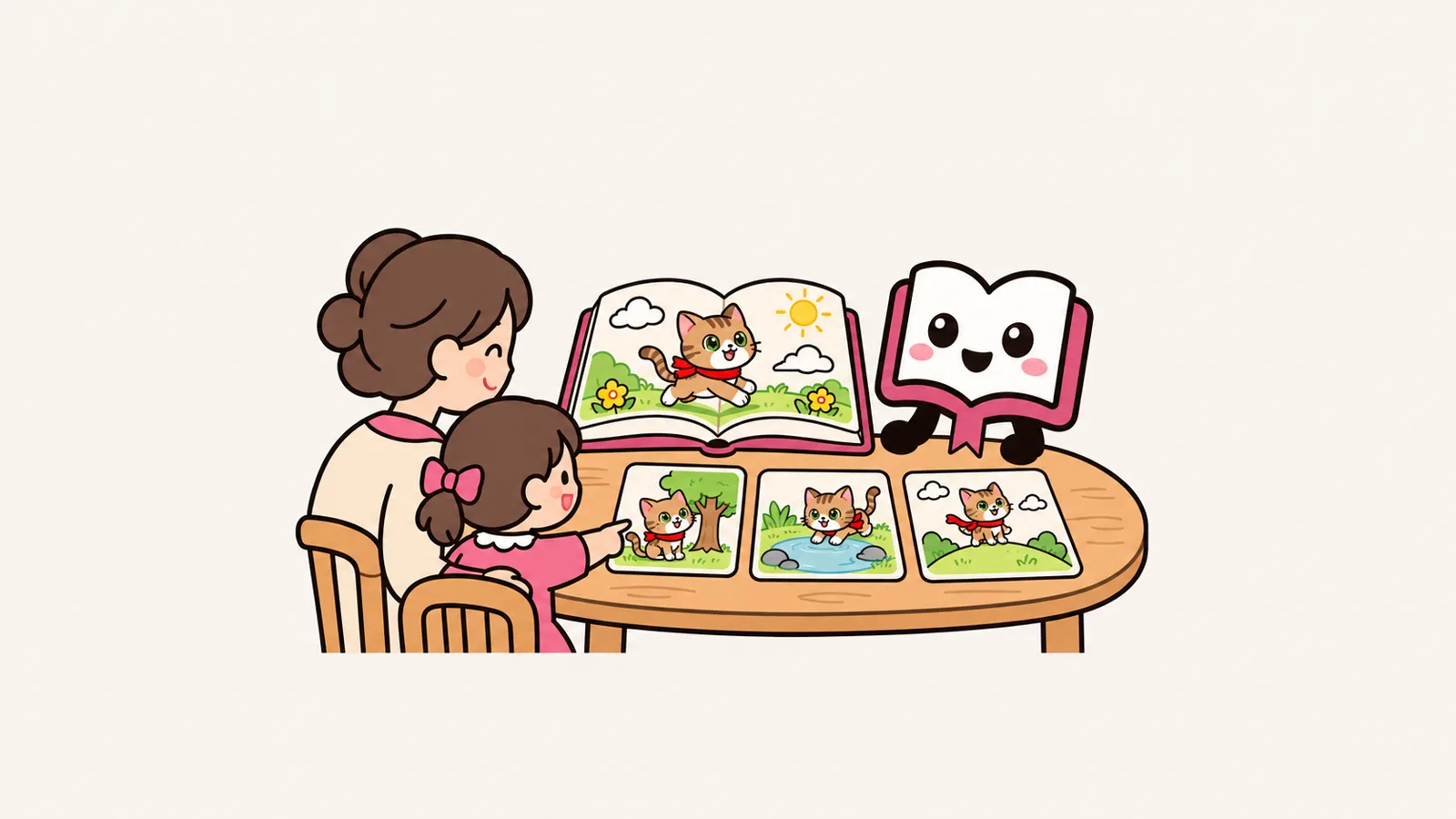
Making a picture book is a lot like making kamishibai, the Japanese paper-theater storytelling cards. Each page has a picture and a short bit of text, and the story moves forward every time you turn the page. AI is good at drawing one picture at a time, but it can't settle "in what order, what to show, and how it ends" unless a person decides.
What you decide
- The plot and the ending
- How the scenes are split
- What the characters look like
- The exact wording
- Who gets to see the book
What AI handles
- Suggesting story ideas
- Drawing each scene
- Offering other ways to phrase things
- Adjusting the reading level (in Japanese books, how much simple hiragana script to use)
How to make a children's book with AI in 6 steps
The steps fall into three stages: plan, draw and finish. Spend the most time on steps 1–3, before you ask for any pictures (step 3, the appearance card, is the prep work for drawing). Getting these right cuts down a lot on redrawing later.
- 1Sum up the story in one sentence
- 2Split it into scenes (one event per scene)
- 3Make an "appearance card" for each character
- 4Make the picture for each scene
- 5Add the text afterward
- 6Read it through, then save and print
1. Sum up the story in one sentence
Write it as "a story where ___ does ___ and ends up ___." For example: "A kitten who hates rainy days finds the sky reflected in a puddle and comes to love the rain." Ask an AI, "Give me 3 picture-book story ideas for young children based on this sentence," then pick the one you like. That gets you to a decision fast.
2. Split it into scenes
Divide the story into "beginning, problem, climax, ending," then cut those into scenes. Aim for one event per scene and 1–3 sentences of text. If you make a table listing the text and "what to draw" for each scene, the rest of the work goes smoothly.
3. Make an "appearance card" for each character
Write a short note on the main character's colors, shape and belongings. This is the most important prep for keeping the pictures consistent, so it gets its own section below.
4. Make the picture for each scene
Go one scene at a time. Paste in the appearance card and the one-line style description exactly as they are, then add only what changes in that scene. If you don't like a result, instead of rewriting the whole request, change just one thing, such as "make the cat a little smaller." That way the rest of the picture doesn't fall apart.
5. Add the text afterward
When you have AI draw text inside a picture, the letters can come out garbled or unreadable. It's more reliable to make the pictures with no text and lay the words on top in slide or document software. If you add "keep the top third of the picture as plain sky" to your request, you'll have room for the text.
6. Read it through, then save and print
When it's done, read the whole book out loud. Mix-ups like "she wore a red scarf in the last scene but a blue one in this one" are easier to catch reading aloud than reading silently. Finally, combine everything into a PDF so you can use it both for reading aloud on a tablet and for printing.
6 steps to an AI picture book
- Sum up the story in one sentenceWho does what, and how it ends
- Split it into scenesOne event per scene, 1–3 sentences
- Make an appearance cardColors, shape, items: keep to 3–5 details
- Make a picture for each sceneSame look and style text, add only what changes
- Add the text afterwardNo text in the pictures; add words in software
- Read it through, save and printRead aloud and fix any mix-ups
Tips for a consistent art style and characters
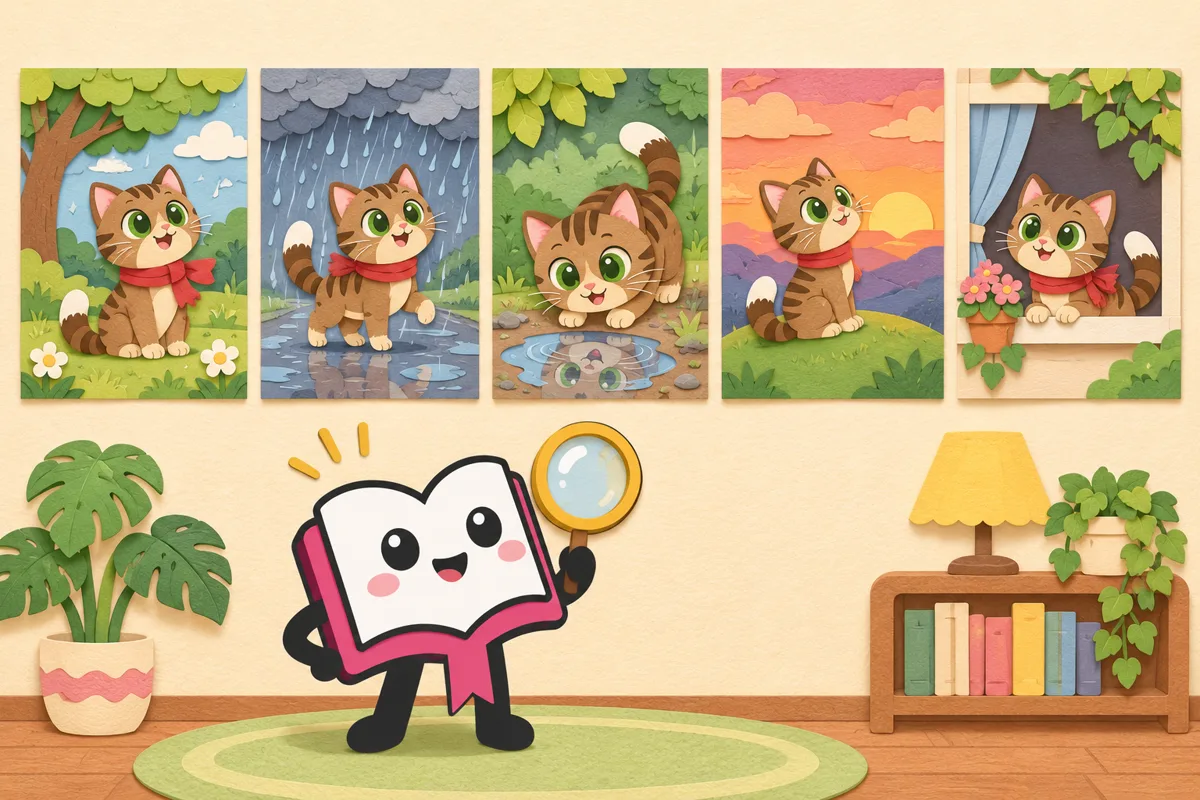
AI draws each picture separately, so a small change in how you ask can make a character's face or clothes look like someone else. The first thing that helps is to describe the same character in exactly the same words every time. If you phrase it differently each time, the AI pictures a slightly different character each time.
[Style] Soft watercolor picture book. Pale colors. Thin lines. Simple background
[Character] Mimi: a brown striped kitten. Big green eyes. Red scarf. Only the tip of her tail is white
[This scene] A park after the rain. Mimi is peering into a puddle
[Composition] Mimi is small, in the lower left. The top third is only sky (space for text)
[Do not include] Text, signs, existing characters
Four tips for using the template:
- Limit the look to 3–5 details. Among colors, shape and belongings, write only what makes the character recognizable at a glance. If you write too much, some detail tends to drop out each time.
- Don't change the one-line style description. If you add or remove "cute" or "in watercolor" from one request to the next, the drawing style won't match.
- Write the style and the scene separately. If you put the place or the event in the "drawing style" field, the scene description and the style get mixed up.
- Keep it to 2–3 characters. The more characters there are, the more each one's look tends to drift. If your tool lets you attach a first picture you liked as a reference, attaching it can sometimes help keep things close.
Tips 1 and 3 also showed up in the story requests submitted to Original Novel (22 requests on November 6–7, 2026). People tended to write the appearance field in great detail, and 2 requests put a description of the setting in the field that asks about illustration style. The sample is small, so treat this as a rough guide, but it's a good idea to write "what to draw" and "how to draw it" separately.
What you can do for free, and how to pick tools
Here are examples of free tools for each task, plus things to watch out for. It's less about which tool is best and more about whether what you already have is enough. Limits and prices can change, so check the official information before you start.
| Task | Example free tools | Things to watch |
|---|---|---|
| Story and scenes | Free versions of chat AI (ChatGPT, Gemini, etc.) | Limits on message count and length |
| Pictures | The Gemini app (can make images for free; paid plans have higher limits), ChatGPT (the free version has limited image generation) | There's a cap on how many images you can make. Google officially says Gemini images carry both a visible watermark and an invisible one (SynthID) |
| Text and layout | The slide or document software you already have | For young children, use large letters and keep each page's text short |
| Printing | A home printer, or a print shop or convenience-store printer | Paper and printing cost money |
| Publishing | Amazon Kindle Direct Publishing (KDP) | AI-made content must be disclosed (see below) |
If you plan to give the book to others or publish it, it's also wise to check ahead of time whether there's a watermark and how the tool's terms let you use the pictures you make.
Things to watch when making a book with your kids
Making a picture book with your children is fun, but there are two things worth sticking to.
- Don't put your child's photo or real name into the AI. Japan's Personal Information Protection Commission has warned (June 2, 2023) that personal information entered into generative AI may be used for machine learning, and that there's a risk it could be combined with other information and show up in output. It's safer to give the main character a made-up name and a made-up look, and leave out face photos, school names and where you live. Making the hero an animal also makes it easier to square with wanting the character to resemble your child.
- Let an adult handle the controls. You can check the minimum age for each service in its terms of use. Check the terms before letting your child use it, and give your child the jobs of "coming up with story ideas," "choosing which picture is best" and "reading." That way they still feel they made it together with you.
Enjoy it at home, print it, or publish it on Amazon
For family reading, the easiest option is to put it in a PDF and read it aloud from a tablet. If you want it on paper, just printing it on a home printer, folding the pages in half and stapling them makes it feel like a real picture book.
If you want many people to read it, you can publish it with Amazon KDP as an ebook or a paperback (Japan's KDP does not currently offer hardcovers). The key point here is disclosing AI-made content. KDP's content guidelines split AI use into two types.
| Type | KDP's description (summary) | Disclosure |
|---|---|---|
| AI-generated | Text, images or translations created with AI tools. Still counts as "AI-generated" even if you edit it heavily afterward. Images include the cover, interior images and artwork | Required (when publishing a new book, and when editing and republishing an existing one) |
| AI-assisted | Content you created yourself and then edited, refined or error-checked with AI. Also includes getting ideas from AI and then creating the text or pictures yourself | Not required |
In other words, even if you wrote the text yourself, using AI for the pictures means you need to disclose it as "AI-generated." With either type, you must follow KDP's guidelines and respect intellectual property rights. The rules can change, so check the latest Help pages before you publish.
Who owns the copyright in an AI picture book?
In Japan, the Legal Subcommittee of the Copyright Subdivision of the Council for Cultural Affairs (Agency for Cultural Affairs) laid out the following in "General Understanding on AI and Copyright" (March 15, 2024).
- If your instructions to the AI stay at the level of an idea that doesn't reach actual expression, the output is not considered copyrightable (that is, it doesn't count as a work protected by copyright)
- Detailed instructions that concretely spell out the expression are considered to raise the chance that a person's creative contribution will be recognized. If you repeatedly revise your instructions while looking at the output, the result could also be considered copyrightable. On the other hand, the number of attempts, or simply choosing from several outputs, is not considered to affect that judgment
- Parts where a person has creatively added to or edited the AI output are usually considered copyrightable. Using AI output in part of a work does not deny copyrightability to the other, human-created parts
Applied to picture books, this means text you wrote yourself can be treated as your own creative work even if the pictures were made with AI. What you do need to watch out for is accidentally resembling someone else's work. The same guidance says that pictures that only share an idea such as a general style or art style, without being similar to an existing work, are not copyright infringement. On the other hand, if you know an existing work and enter the work itself or proper nouns such as its title to make a picture that has that work's creative expression, infringement is considered likely to be established. It's safest not to put the names of famous picture books or characters in your prompts.
The guidance also notes that even if making the book falls within a copyright exception (such as private use at home), using it in ways like handing it out or posting it online can go beyond that exception and become infringement. This guidance itself is not legally binding, and each work is judged case by case.
Start by reading illustrated stories
Before you start making one, reading stories whose text and illustrations were made by AI makes it easier to get a feel for "what kind of picture suits each scene." The shelf below has children's stories from Original Novel (a fiction site launched in November 2026 where you make and read stories with AI).
Read some stories for kids
See more: Read some stories for kids ›Children's stories on this site whose text and illustrations were made by AI.
Summary
You can usually make a short AI picture book within free limits. The trick is to decide the story and the scene split yourself first, and describe each character's look in the same words every time. Add the text after the pictures, and read it through before you save and print. Leave out your child's photo and real name, and if you plan to publish, check KDP's AI disclosure rules and the copyright guidance first. Try a short story of 5–6 scenes to start.
Sources (date checked)
- Nano Banana 2 – Gemini AI image generation and photo editingGoogle Gemini / Japanese / Checked Nov 18, 2026
- Plans and pricing | ChatGPTOpenAI / Japanese / Checked Nov 18, 2026
- Notice on the use of generative AI services (June 2, 2023)Personal Information Protection Commission (Japan) / Japanese / Checked Nov 18, 2026
- Creating a bookKindle Direct Publishing (KDP) Help / Japanese / Checked Nov 18, 2026
- Content guidelinesKindle Direct Publishing (KDP) Help / Japanese / Checked Nov 18, 2026
- AI and CopyrightAgency for Cultural Affairs (Japan) / Japanese / Checked Nov 18, 2026
FAQ
Can I make a children's book with AI for free?
If it's a short picture book for family reading, you can usually make it within free limits. The Gemini app can make images for free, and the free version of ChatGPT also has limited image generation (checked on the official pages on November 11, 2026). There's a cap on how many images you can make, so if you have many scenes, spreading the work over a few days keeps it manageable.
Can I publish a children's book made with AI on Amazon?
Yes, you can publish it as an ebook or a paperback through Amazon Kindle Direct Publishing (KDP). Books that contain AI-generated text, images or translations must be disclosed when you publish a new book and when you edit and republish one. If you only used AI to refine content you created yourself, it counts as "AI-assisted" and doesn't need to be disclosed.
Who owns the copyright in an AI picture book?
In Japan, the Agency for Cultural Affairs' "General Understanding on AI and Copyright" (March 2024) says that if your instructions to the AI stay at the level of an idea, the output is not considered copyrightable (that is, it doesn't count as a work protected by copyright), while parts a person has creatively added to or edited are usually considered copyrightable. Using AI pictures in part of a work does not deny copyrightability to the human-created parts, such as text you wrote yourself. Each work is judged case by case, and this guidance is not legally binding.
How do I keep the characters in my picture book looking the same?
Make an "appearance card" that limits a character's colors, shape and belongings to 3–5 details, and paste it into your prompt word-for-word every time. Keep the one-line style description unchanged too, and add only what changes in each scene. If your tool lets you attach a first picture you liked as a reference, attaching it can sometimes help keep things close.
Can I use my child's photo to draw the main character?
We don't recommend it. Japan's Personal Information Protection Commission warns that personal information entered into generative AI may be used for machine learning, and that there's a risk it could be combined with other information and show up in output. It's safer to give the main character a made-up name and look, and leave out your child's face photo, real name and school name.