How to opt out of AI training for your novel: ChatGPT, Claude and Gemini settings, and what stays after you turn it off
The personal versions of ChatGPT, Claude and Gemini all let you opt out of AI training, so your chats aren't used to train their models. But the switch only stops training: saved chats, feedback buttons and share links keep working on their own. This guide follows a pasted manuscript to see what you can close off and what stays (checked against each company's official help pages on November 17, 2026).

Key takeaways
- The personal versions of ChatGPT, Claude and Gemini let you turn off the use of your chats for training (in Gemini, the training option is off by default)
- Only training stops. Saved chats, safety review, feedback buttons and share links keep working separately
- Pressing a feedback button can make a chat eligible for training or storage even with training turned off
- Share a manuscript in a temporary chat, paste only the scenes you want feedback on, and delete share links and the chat afterward
- Work or school accounts, and novels you have already published online, follow different rules
You can opt out of AI training, but only training stops
You want AI feedback on a manuscript before you send it to a writing contest. Then you remember the text you paste might be used to train the AI, and your finger stops just short of the send button. This article is about the settings for exactly that moment.
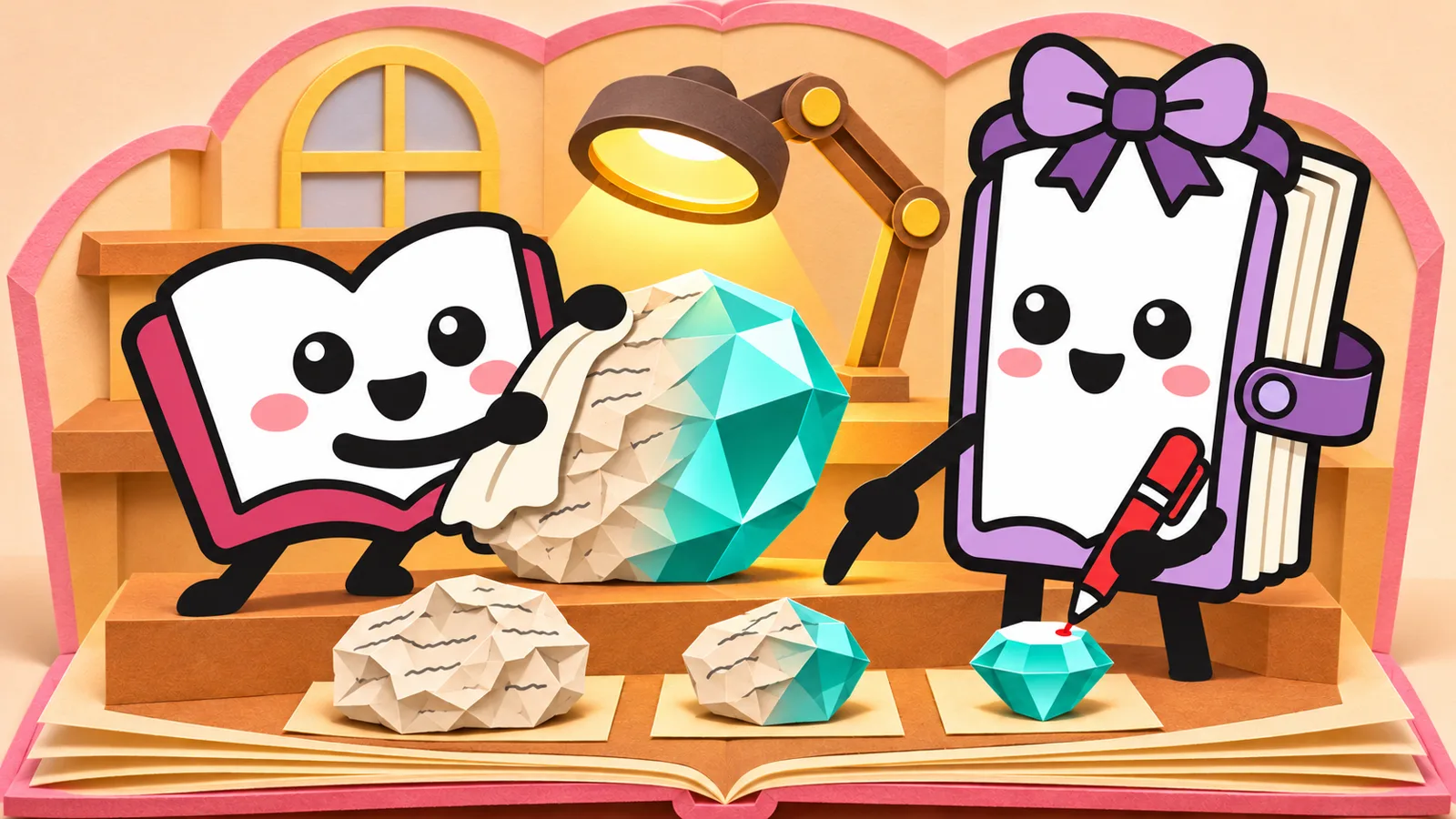
Here's the short answer. The personal versions of ChatGPT, Claude and Gemini all have a setting that keeps your chats from being used to train their AI (we checked each company's official help pages on November 17, 2026). But that setting only stops training. Saved chats, safety review, feedback buttons and share links run on separate systems and stay in place after you turn training off.
Below, we follow a pasted manuscript step by step and separate what the settings can stop from what they can't. At the end, everything is summed up as 6 steps for showing your manuscript to an AI.
A pasted manuscript can go to 5 places
When you paste a manuscript into an AI chat and send it, the text doesn't just stay on your screen. Comparing the three companies' help pages, we can group its destinations into five broad categories.
The "don't train on my data" setting is the switch that closes door 2. Door 1, saving, is a question of "history" and "deleting"; door 3 is a system each company keeps for safety; doors 4 and 5 open when you press a button yourself. Even with training off, doors 1, 3, 4 and 5 keep working under their own rules. That's why it helps to know what remains after you opt out: then you can show your manuscript with peace of mind.
How to opt out of AI training in each app (screens checked November 17, 2026)
Screen names can change. If you can't find the names below, look for an item called something like "model improvement", "training" or "history", or search each company's help pages for the setting name.
ChatGPT: turn off "Improve the model for everyone"
Choosing not to let your data be used for training is often called "opting out." For personal use of ChatGPT Free, Plus and Pro, the training setting is on from the start. On the web, go through these steps:
- Open your account menu and select "Settings"
- Select "Data Controls"
- Select "Improve the model for everyone", turn it off, and click "Done"
In the mobile app, go from the sidebar to your profile icon, then Settings, then "Data Controls." You can also choose "Do not train on my content" in OpenAI's privacy portal, and the help pages say either one is enough. Note that parental settings or a work or school administrator's settings may prevent you from changing it yourself.
Claude: switch off the model-improvement toggle under Privacy
On the personal Free, Pro and Max plans, chats are used for training when you allow it in your settings, and in some other cases, such as when a chat is flagged in a safety review. Here are the steps:
- Click your name on screen and open Settings
- Open Privacy
- Turn off the toggle under "Help Improve our AI models"
Once it's off, new chats won't be used for future training, and chats saved before then are also excluded from future training. However, Anthropic explains that training already under way, and data already in models that have finished training, stay as they are.
Gemini: keep "Chat content including text & uploads" unchecked
In Gemini, whether your chats are used for training is a separate option inside Gemini History. According to the help pages, this option is off by default, and History must be on before you can turn it on. In other words, you can keep your history while leaving training off. On a computer, check it like this:
- Open gemini.google.com and click Settings (Settings & help)
- Open "History"
- See whether the option "Chat content including text & uploads" is checked, and uncheck it if it is
If this option is off, your chats from then on aren't used for training, except when you send feedback. However, Google says chats may go through human review and be used to improve its services in other ways besides training (row 3 in the table below). Turning History itself off also stops training, but your chats from then on won't appear in your history.
What stays after you turn training off
Here are doors 1, 3, 4 and 5, which work separately from the training setting, side by side for the three apps.
| ChatGPT | Claude | Gemini | |
|---|---|---|---|
| 1 Saved chats | Turning training off doesn't delete saved chats. They stay until you delete them, and are fully deleted within 30 days after that (with exceptions) | Deleted chats are removed from storage within 30 days. If you allow training, chats may be kept for up to 5 years in a form separated from your identity | By default, history is auto-deleted after 18 months (can be changed to 3 months, 36 months or never). Even with History off, chats are kept in your account for about 2 months |
| Chats not used for training | Temporary Chat. May be kept for up to 30 days for safety reasons | Incognito chat. Kept for 30 days by default | Temporary chat. Kept in your account for about 2 months |
| 3 Safety checks, human review | ("Safety reasons" is given as the reason Temporary Chats are kept) | For chats flagged in a safety review, inputs and outputs are kept for up to 2 years and may be used for safety measures | Even with the training option off, chats may go through human review and be used to improve services in other ways. Reviewed chats are kept for up to 3 years, separated from your account, and remain even if you delete them |
| 4 Feedback buttons | Even with training off, the whole chat the feedback relates to may be used for training | The whole chat the feedback relates to is stored for up to 5 years and may be used, separated from you, for training and other purposes | Even with History off, sending feedback collects roughly the last 24 hours of chats |
| 5 Share links | Anyone with the link can see it. It has no expiry date and isn't removed when you change the training setting | Anyone with the link can see the chat as it was when shared (attached files themselves aren't included) | Anyone with the link can read it and share it further |
In this table, the one fiction writers should watch most is door 4, the feedback buttons. When the feedback is spot on, it's tempting to hit 👍, but all three companies say that sending feedback can make that chat eligible for training or storage. You turned training off, yet one button puts that chat back in line for training.
On door 3, human review, the companies' help pages say different things. Here is what we found in the pages we read:
- Gemini: states clearly that human reviewers check some chats, and asks you not to enter confidential information you wouldn't want a reviewer to see.
- Claude: explains that for chats flagged in a safety review, inputs and outputs are kept for up to 2 years and may be used for safety measures.
- ChatGPT: in the four help pages we read, we found nothing about whether people read ordinary chats.
Something not mentioned in a help page is not a promise that nobody reads it. If you wouldn't want others to see a piece of writing, the safe choice is not to paste it into any service.
Door 5, share links, is for showing chats to people, so the concern runs the other way from training. ChatGPT's help pages say shared-link pages aren't meant to appear in search engines, but that doesn't make the link private. If someone forwards the link, it can reach strangers. You can delete links you've made: in ChatGPT, under Settings → Data Controls → Shared links "Manage"; in Claude, by switching the share menu from Public to Private; and in Gemini, from "Your public links" in the settings.
6 steps for showing your manuscript to an AI
- 1Check that training is turned off
- 2Open a temporary chat (Incognito in Claude)
- 3Paste only the scenes you want feedback on
- 4Don't press the feedback buttons
- 5Delete share links once your reader is done
- 6Delete the chat when you're done
Steps 1 and 2 give you two layers of protection against training. After changing the setting, open it again before you close the screen to make sure it's still off. Then, if you open the chat for your manuscript as a temporary chat, it's easier to keep it out of both training and your history. In Claude, you can start an Incognito chat from the ghost icon at the top right, but it isn't available inside projects.

Step 3 reduces how much is kept in the first place. Even with training off, chats are saved for a set period, so pasting only the scenes you want feedback on keeps less of your text out there than pasting a whole unpublished manuscript. You can also paste just the skeleton of your work, such as the plot or character notes.
Steps 4 to 6 close the routes by which your own actions send your manuscript out. It's safest not to press the feedback buttons. If a friend reads your work through a share link, delete the link once they've finished. When you're done, delete the chat so it's less likely to stay on your screen or in your account. But as the table shows, even deleted chats may stay in storage for each company's set period, and in Gemini, chats that went through human review remain for up to 3 years even after you delete them.
Work and school accounts, and novels published online, are a separate matter
Everything so far applies to the personal versions. With work or school accounts, the rules change. OpenAI says it doesn't use content from ChatGPT Business, Enterprise and Edu for training by default. Anthropic also says it doesn't use inputs and outputs from business versions such as Claude for Work for training by default (except, for example, when you send feedback). Google says a separate data processing agreement may apply to work and school accounts. The quickest way to find out which rules apply is to ask your administrator.
Another thing to think about separately is a novel you've already published online. The settings in this article all concern the chats you enter into each service. How works published on web-fiction sites or blogs are treated is a different question.
In Japan, Article 30-4 of the Copyright Act allows a work to be used, to the extent considered necessary, for purposes other than enjoying the thoughts or feelings expressed in it, such as "information analysis." However, there is a condition: this does not apply where the use would unreasonably harm the copyright holder's interests in light of the type and purpose of the work and the way it is used. The Japanese government's view on AI and copyright can be read in a document titled, in translation, "Approach to AI and Copyright" (March 15, 2024), published on the website of Japan's Agency for Cultural Affairs (in Japanese). If you're unsure about your own work, read primary sources like these or consult a professional.
If you don't want to send your manuscript to any outside service at all, you can also run an AI on your own PC. The steps are in How to run a novel-writing AI locally.
Stories on Original Novel are meant to be public
Original Novel is a fiction site where you choose the setup and AI writes the chapters. The stories you create are published for anyone to read. That's why our guide for children also asks users not to write anything that could identify them, such as a child's name. Before each chapter is published, AI checks it for contradictions with earlier chapters and mistakes in names and numbers, and our team reviews reports of problems. Please use it not as a place to keep manuscripts you don't want others to see, but as a place to read stories written by AI and grow them by choosing what happens next.
Stories written by AI, open for anyone to read
See more: Stories written by AI, open for anyone to read ›A shelf of stories whose chapters were written by AI, made to be published.
 The Only Voice I Can't HearFor teens · Showbiz & idolsCompletedMay We Begin With a Lie?For adults · Romance
Sources (date checked)
- Data controls in ChatGPTOpenAI Help Center / Japanese / Checked Nov 18, 2026
- Is my data used for model training?Anthropic Privacy Center / Checked Nov 18, 2026
- Gemini Apps Privacy HubGemini Apps Help (Google) / Japanese / Checked Nov 18, 2026
- Deleting and archiving chats in ChatGPTOpenAI Help Center / Japanese / Checked Nov 18, 2026
- How long do you store my data?Anthropic Privacy Center / Checked Nov 18, 2026
- Manage and delete your Gemini Apps activity (computer)Gemini Apps Help (Google) / Japanese / Checked Nov 18, 2026
- Copyright Act of Japan (Act No. 48 of 1970)Digital Agency of Japan, e-Gov Law Search / Japanese / Checked Nov 18, 2026
- AI and CopyrightAgency for Cultural Affairs (Japan) / Japanese / Checked Nov 18, 2026
FAQ
Can I turn off training when I use ChatGPT without logging in?
Yes. OpenAI says you can open the settings and turn off "Improve the model for everyone" even when you are logged out. Your choice is saved in that browser, so if you use another browser or device, check the setting there too.
If I turn off ChatGPT's Memory, will my chats stop being used for training?
No, these are separate settings. OpenAI explains that Memory lets ChatGPT tailor its answers to you, while whether your chats are used to improve the model is decided by "Improve the model for everyone". To stop training, turn off that setting, not Memory.
Who decides the training setting on a teenager's ChatGPT account?
OpenAI says that for teen accounts linked to a parent's account, the parent can control through parental controls whether the teen's chats are used to improve the model. So the setting may not be changeable from the teen's own screen.